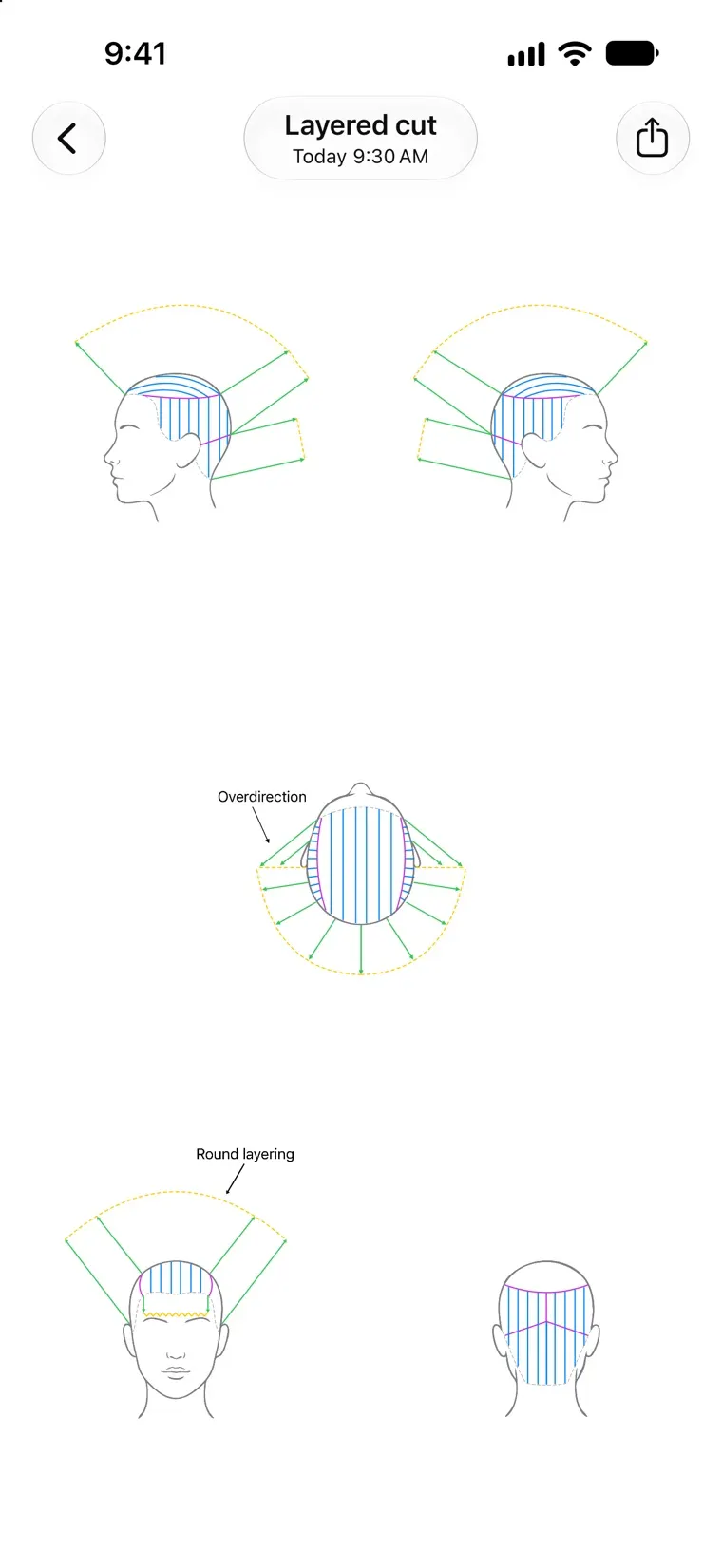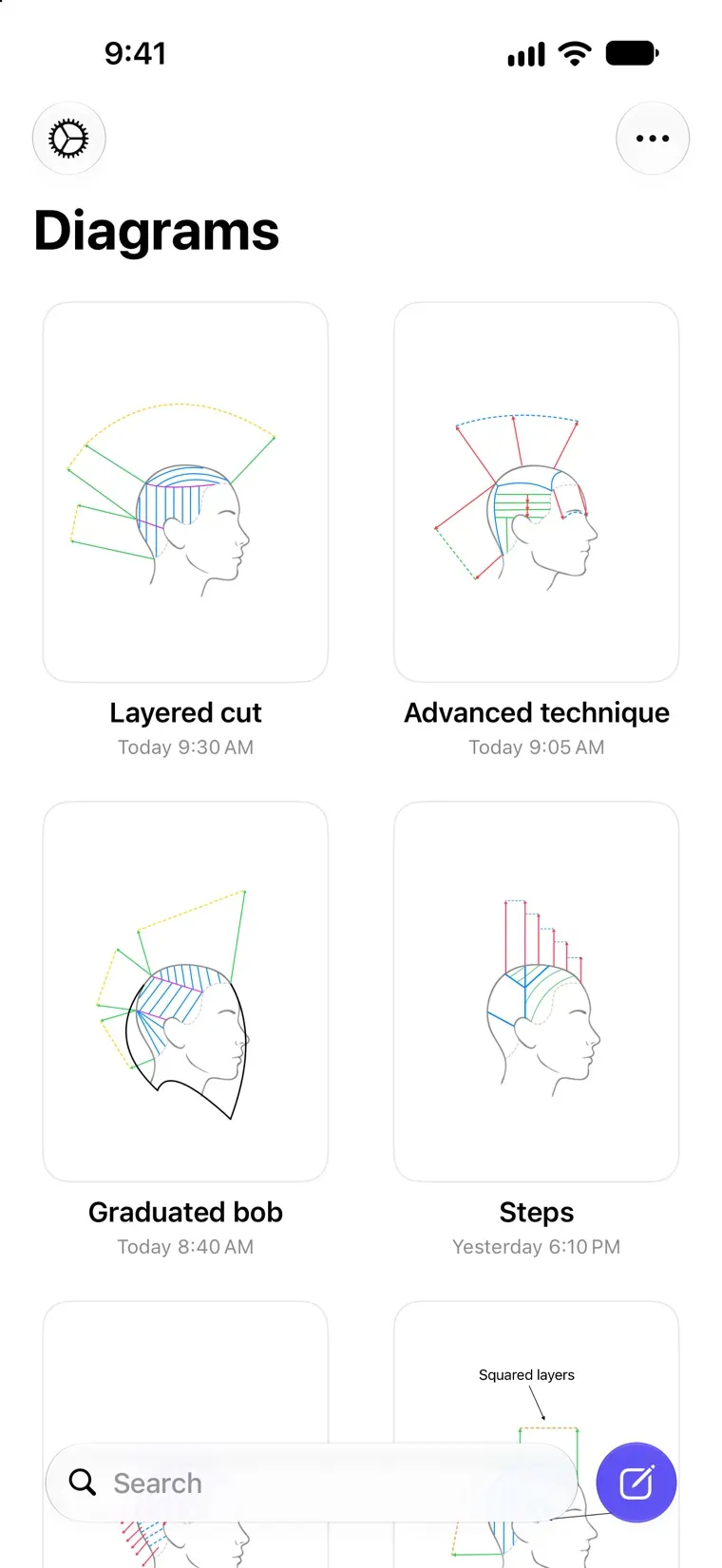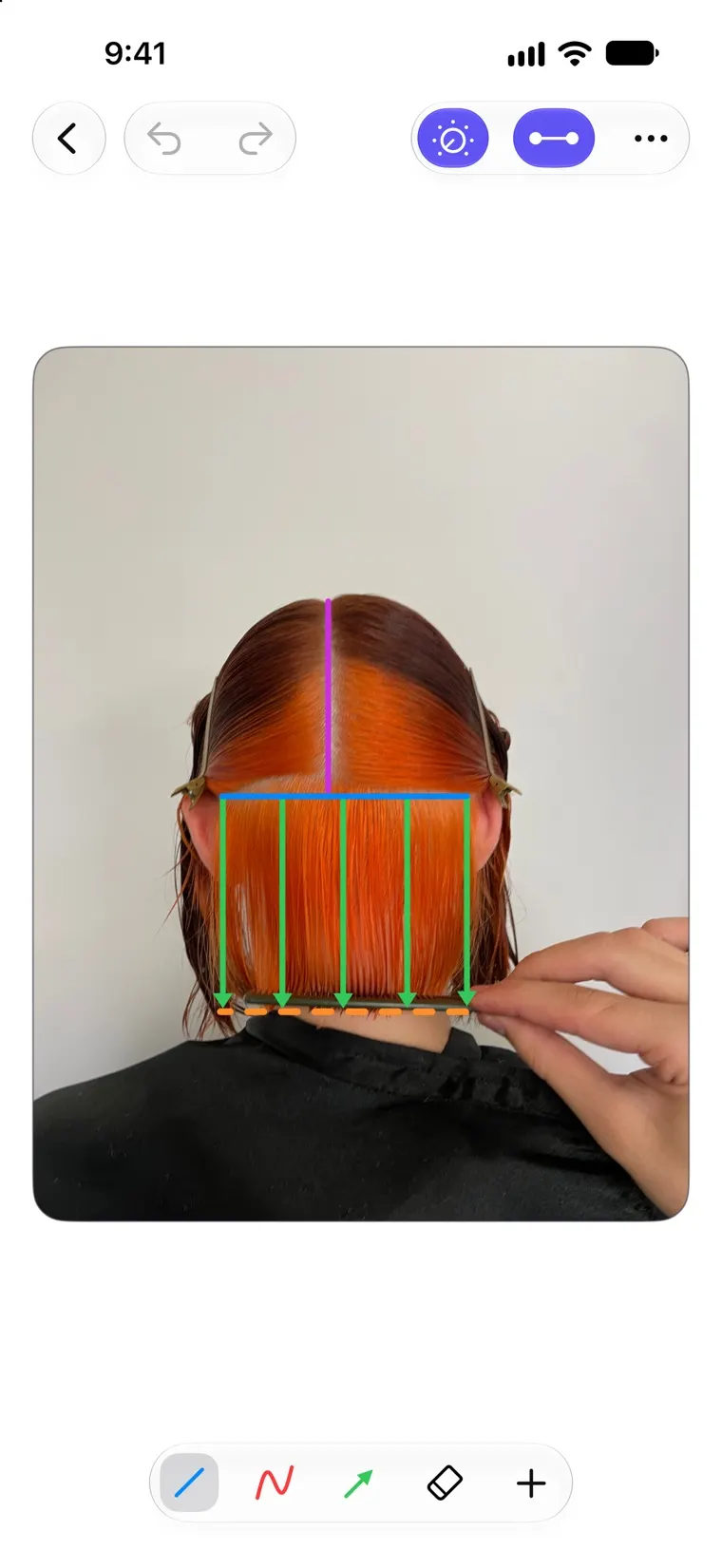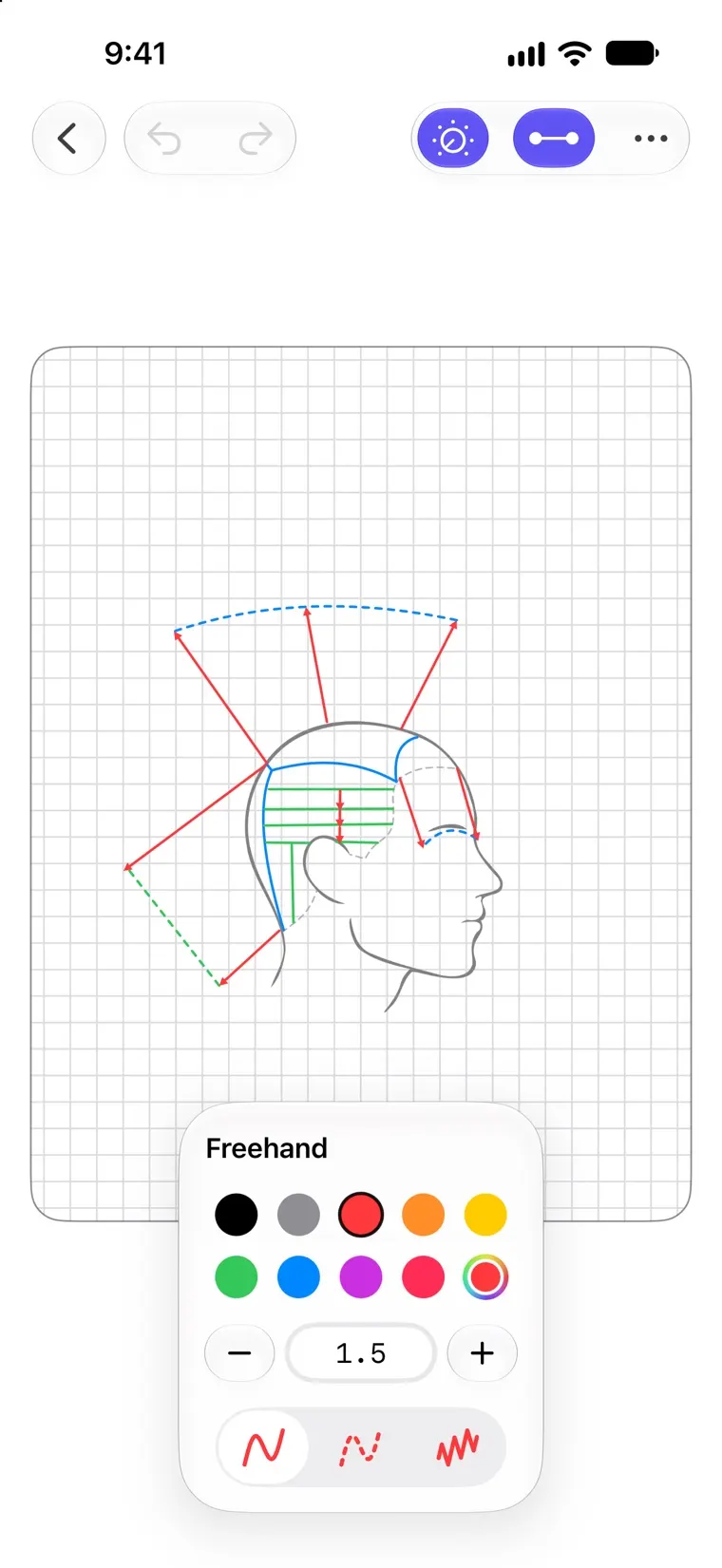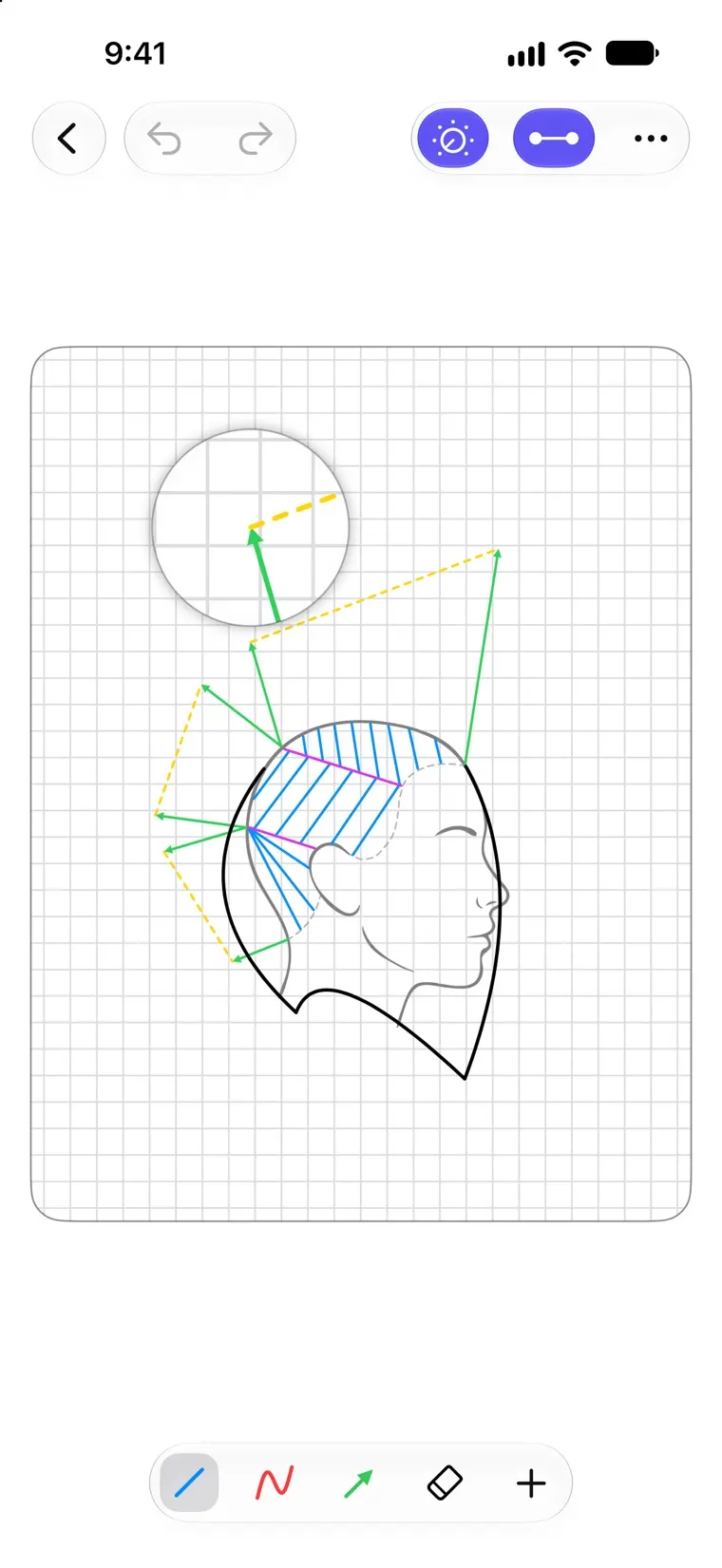
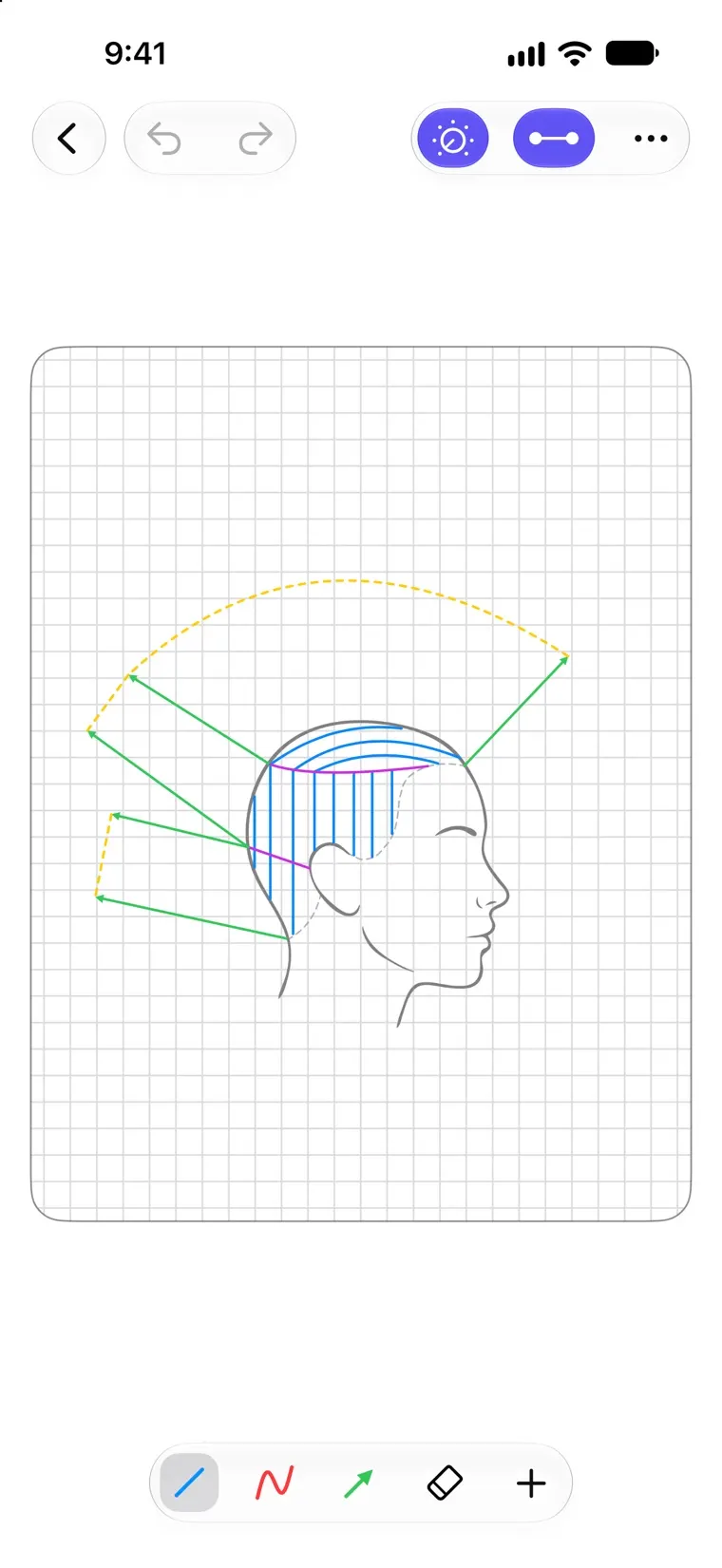
Drawing a haircut diagram in Headsheet: sectioning lines and overdirection arrows over a side view of the head A diagram's Overview in Headsheet, showing all five views of the head at once Headsheet with the grid and angle snapping switched on for precise sectioning A Headsheet diagram drawn over the stylist's own reference photo of a client
Headsheet app icon

Headsheet – haircut diagrams for hairstylists on iPhone and iPad

Free

Draw haircut diagrams. For stylists saving a cut, and educators teaching one.

Download on the App Store

Who it's for

  • Stylists and Barbers

    Draw the cut while it's fresh. The next appointment starts from a diagram.

  • Educators and Academies

    Show sectioning, elevation, overdirection and graduation instead of describing them.

  • Students

    Write up every head sheet without redrawing the outlines by hand.

How it works

  1. Create a diagram

    Five views of a male or female head, or up to six of your own photos.

  2. Draw the cut

    Lines, arrows, freehand strokes and text labels, on any of the views.

  3. Save and share it

    It syncs through your own iCloud. Send a flat image to anyone, or an editable file to another stylist.

Everything in the app

Every Angle of the Head

Five views in every diagram: front, back, left, right and top, drawn over male or female head references.

Your Own References

Working on something the built-in heads can't show? Create custom diagrams from your own reference photos.

Tools Made for Diagrams

Lines, arrows, freehand strokes and text labels, with adjustable colors, thickness, and dashed or zigzag styles.

Mirror Mode

Draw one side and the other follows in real time. You can also copy a finished profile onto the opposite side in one tap.

Precise Without Effort

Angle and point snapping, an optional grid, and a magnifier keep your diagrams clean and accurate.

Share Your Work

Export any view or a full overview as an image, or send an editable file to another stylist.

Synced with iCloud

Your diagrams follow you across iPhone and iPad automatically.

Private by Design

No ads, no tracking, no servers. Your work stays on your device and in your own iCloud.